
The office reschedules a job, but the technician still has the old appointment time. A customer calls with new access instructions, but the message never reaches the person completing the work. The technician finishes the job and takes photos, but the office cannot send the invoice because it is still waiting for the final notes.
Everyone is working on the same job. They are simply working with different information.
This is one of the most common problems in a growing service business. It is rarely caused by a lack of effort. It happens because job details are spread across calls, messages, paper forms, spreadsheets and individual devices.
A field technician app connects the office and field teams through one shared job record. The office sends the work with the information attached. The technician receives the latest details, completes the job and updates the same record from the field.
Why Communication Between the Office and Field Breaks Down
When a service team is small, informal communication can work well. The owner creates the schedule. A technician calls before leaving for the next job. Customer instructions are sent by text. Completed paperwork returns to the office at the end of the day. This process becomes harder to control as the number of jobs and technicians increases.
The office may update the calendar without knowing that a technician is still working at the previous location. A dispatcher may send instructions in a group message that gets buried under other conversations. A technician may forget to mention that additional materials were used.
Each issue looks small on its own. Together, they create missed details, slower billing and more calls between the office and field. The problem is that important information depends on a person remembering to pass it on. Good field service management software changes that. Information moves with the job instead of being passed separately through calls and messages.
What Is a Field Technician App?
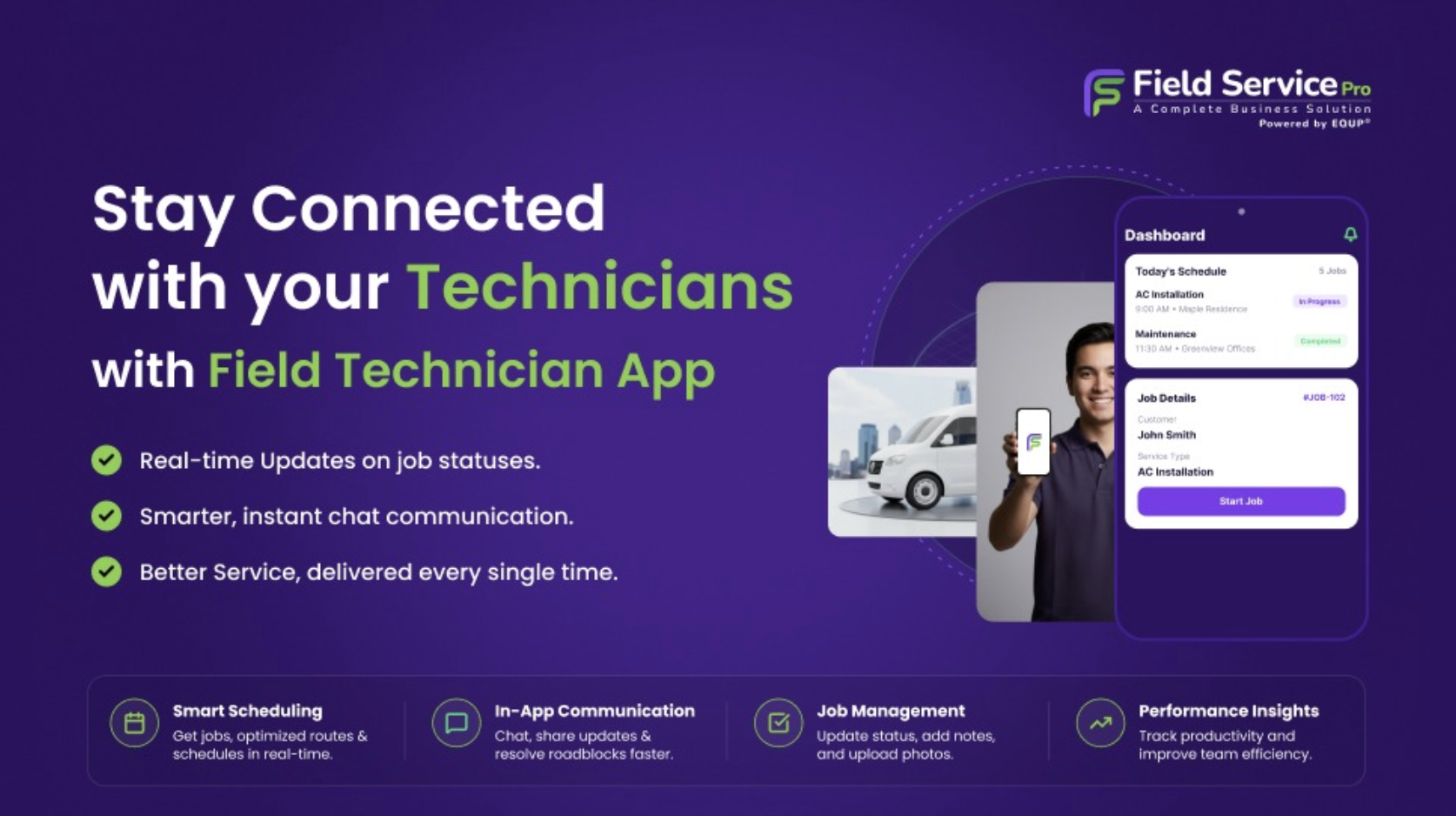
A field technician app is a mobile application that gives technicians access to schedules, customer details, job instructions, forms and service history while they are away from the office. It also allows them to send job updates back to dispatchers and office employees. Depending on the software, a technician may use the app to:
- View assigned jobs
- Check customer and location details
- Read job instructions
- Update arrival and completion status
- Record time spent on a job
- Complete digital forms
- Add notes and photos
- Review service history
- Prepare estimates or invoices
- Record materials or services used
The app is the technician’s view of a wider field service system. The office manages scheduling, dispatching, customer communication and billing, while technicians manage the work happening at the customer’s location. Both teams work from the same job information.
How a Field Technician App Connects the Job Workflow
The value of a technician app becomes clearer when you follow one job from the customer’s first request to the final invoice. At every stage, someone needs information from the person who handled the previous step. When that information stays attached to the job, the handoff becomes much easier.
- The Office Creates One Complete Job Record
The connection begins when a customer contacts the business. The office records the customer’s name, service address, contact information, requested service and preferred appointment time. It can also add access instructions, equipment details, photos or notes from earlier conversations.
All this information becomes part of the job record. Without a connected system, these details may be divided between the booking calendar, customer messages and a separate work order. The technician then has to search for information or call the office before starting the job.
A complete job record gives the technician one place to find what is needed. It also helps the office identify missing information before dispatching the work. If the service address, problem description or customer contact details are incomplete, they can be corrected before the technician begins travelling.
- The Technician Receives the Latest Schedule
Once the job is assigned, it appears in the technician’s mobile schedule. The technician can see where to go, when the appointment begins and what type of work is required. If the office changes the appointment or assigns a different job, the updated schedule appears in the app.
This removes the need to send the same information through a separate message. It also reduces the risk of different versions of the schedule being used. The dispatcher does not have one calendar while the technician relies on a screenshot or message sent earlier in the day.
Both sides see the latest plan. This is especially important when jobs take longer than expected, customers cancel or urgent work needs to be added. The office can adjust the schedule, and technicians can check the change without stopping for a long call.
- Job Instructions Travel With the Work
A schedule tells the technician where to go. It does not always explain what to expect. The technician may also need:
- A description of the problem
- Customer access instructions
- Equipment or asset information
- Notes from a previous visit
- Services included in the estimate
- Required forms or checklists
- Photos supplied by the customer
- Safety or site instructions
A field technician app keeps these details connected to the job. This gives technicians more context before they arrive. They can prepare the required tools, review earlier service work and understand what the customer has already discussed with the office.
It also prevents customers from having to repeat the entire problem when the technician arrives. Better information does not guarantee that every job will be completed in one visit. Some problems only become clear after inspection. However, technicians have a stronger starting point and fewer reasons to contact the office for basic details.
- The Office Can See What Is Happening in the Field
Once the technician starts the job, the flow of information moves in the other direction. The technician can update the job status to show whether they are travelling, have arrived, are working or have completed the visit. The office no longer has to call for every routine update.
This visibility helps dispatchers answer practical questions:
- Has the technician reached the customer?
- Is the job still in progress?
- Has the appointment been delayed?
- Is the technician ready for another assignment?
- Was the work completed?
- Does the job require a return visit?
Real-time job updates do not mean the office needs to watch every technician throughout the day. They provide information when a decision needs to be made. For example, if an urgent request arrives, the dispatcher can check which technician has completed a nearby job instead of calling the entire team.
- Technicians Record Work While the Details Are Fresh
Important job information is easiest to record at the customer’s location. The technician knows what work was completed, how long it took, which materials were used and whether the customer approved any changes. If these details are not recorded immediately, the office may have to collect them later.
A mobile app allows technicians to add:
- Work completed
- Time spent
- Materials and products used
- Before-and-after photos
- Inspection results
- Customer signatures
- Additional recommendations
- Reasons for an incomplete job
- Requirements for a return visit
Digital forms can guide technicians through the information that must be collected for each type of job. This improves consistency and reduces the chance of a required detail being missed. The office receives the information without waiting for paper forms or end-of-day messages.
- Completed Jobs Move Toward Billing Faster
A job may be physically complete while remaining unfinished in the office. The technician has left the site, but the office is waiting for notes, time records, materials or customer approval. Until those details arrive, the invoice cannot be prepared accurately.
When technicians close the job through the app, the completed information becomes available to the office. The billing team can review the work, confirm any additional charges and create the invoice without entering the same information again. If the estimate, job and invoice are part of one system, customer and service details can move through the workflow together.
This shortens the delay between completing the service and requesting payment. It also reduces uncomfortable situations where a customer receives an invoice with missing work or incorrect materials because the office did not have the latest information.
- The Customer Receives More Reliable Answers
A connected job workflow improves customer communication because the office can see what is happening. If a customer calls to ask whether the technician is on the way, the office can check the job status. If the customer wants to know whether the work was completed, the employee can review the technician’s update.
The office no longer has to tell the customer, “Let me call the technician and get back to you.” Automated confirmations and reminders can handle predictable updates. Personal communication can then be used for questions, changes and situations that genuinely need attention.
Customers do not see the software connecting the teams. They experience the result through clearer answers, fewer repeated questions and a more organized service.
Disconnected Work vs a Connected Job Workflow
The difference is not simply whether the company uses an app. It is whether the office and field teams use the same information.
| Disconnected process | Connected job workflow |
|---|---|
| Job details are sent through separate messages | Details remain attached to the job |
| Technicians call to confirm their next appointment | The latest schedule appears in the app |
| The office calls technicians for status updates | Technicians update the job in real time |
| Paper forms return at the end of the day | Digital forms are available immediately |
| Photos remain on a technician’s phone | Photos are saved with the job |
| Billing waits for notes and time records | Completed information moves to invoicing |
| Customers repeat information to different employees | The team can review the same customer history |
A connected process removes unnecessary handoffs. It does not remove people from the work. The dispatcher still makes scheduling decisions. The technician still applies experience at the customer’s location. The office still reviews billing and handles customer concerns. The software makes sure each person has the information needed to complete their part.
What Better Field Technician Management Looks Like
Field technician management should not mean constantly checking where employees are or asking them for updates. It should give technicians a clear plan and give the office enough visibility to support that plan. A well-connected system makes responsibilities easier to understand:
- The office creates and assigns the job.
- The technician receives the current details.
- The technician records what happens in the field.
- The office uses those updates for scheduling, customer communication and billing.
- Managers review job information to improve future planning.
Each person remains responsible for their work, but fewer tasks depend on memory. This is particularly useful for growing teams. New technicians do not have to learn an informal system of spreadsheets, message groups and verbal instructions. They can follow a consistent job workflow from the beginning.
What to Look for in a Field Technician App
A technician app should be easy to use during a working day, not only during a software demonstration. Technicians may be using it outdoors, in a vehicle, in a basement or while wearing work gloves. They need to find important information quickly. When evaluating an app, check whether technicians can easily:
- View today’s assigned jobs
- Open customer and location details
- Read job instructions
- Update job status
- Add notes and photos
- Complete job forms
- Record time and services
- Review previous service history
- Create or update estimates
- Mark work as complete
Also check how quickly information moves between the app and office system. A job update provides little value if the dispatcher cannot see it when the schedule needs to change. The strongest test is to ask a technician to complete a realistic job workflow during the trial. Watch where they hesitate, what information they cannot find and which steps take longer than expected.
Consider Mobile Access When Comparing Field Service Pricing
Some platforms charge separately for every technician using the mobile app. Others include only a limited number of users in the base plan. When comparing field service pricing, calculate the cost of giving individual access to every technician, dispatcher and office employee.
Sharing accounts may reduce the subscription price, but it makes activity tracking and permissions less reliable. It can also become difficult to identify who changed a job or completed a form. FieldServicePro includes unlimited users and mobile app access for technicians in both its Starter and Growth plans. The subscription does not increase simply because another technician or office employee needs an account.
This allows the full team to work from the same system without limiting access to control per-user costs.